CREATORS HUB
From idea to your first published chapter.
Whatoon AI Studio helps you build your world, create characters, compose pages and publish your first chapter, without starting from a blank page.
Create my first chapterThe creator pipeline
From first idea to first reader
Four tools chained together. You keep creative control, we remove the friction.
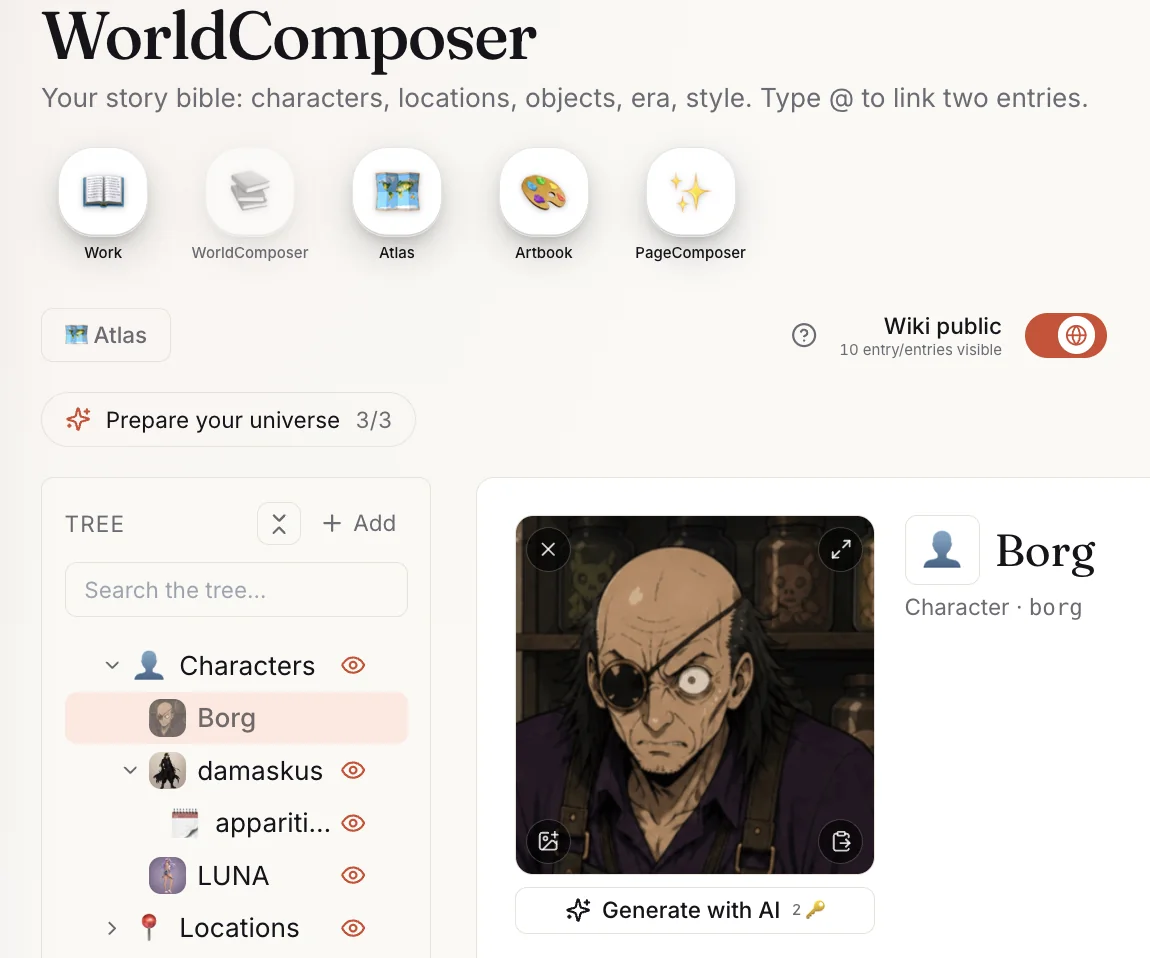
WorldComposer · sheets & atlas
1 · Build your world
WorldComposer structures your bible: character sheets, locations, factions, objects, relations. Atlas pins places on the map, Chronology anchors them in time. Everything is interconnected — by the time you start writing, the editor already knows who is who.
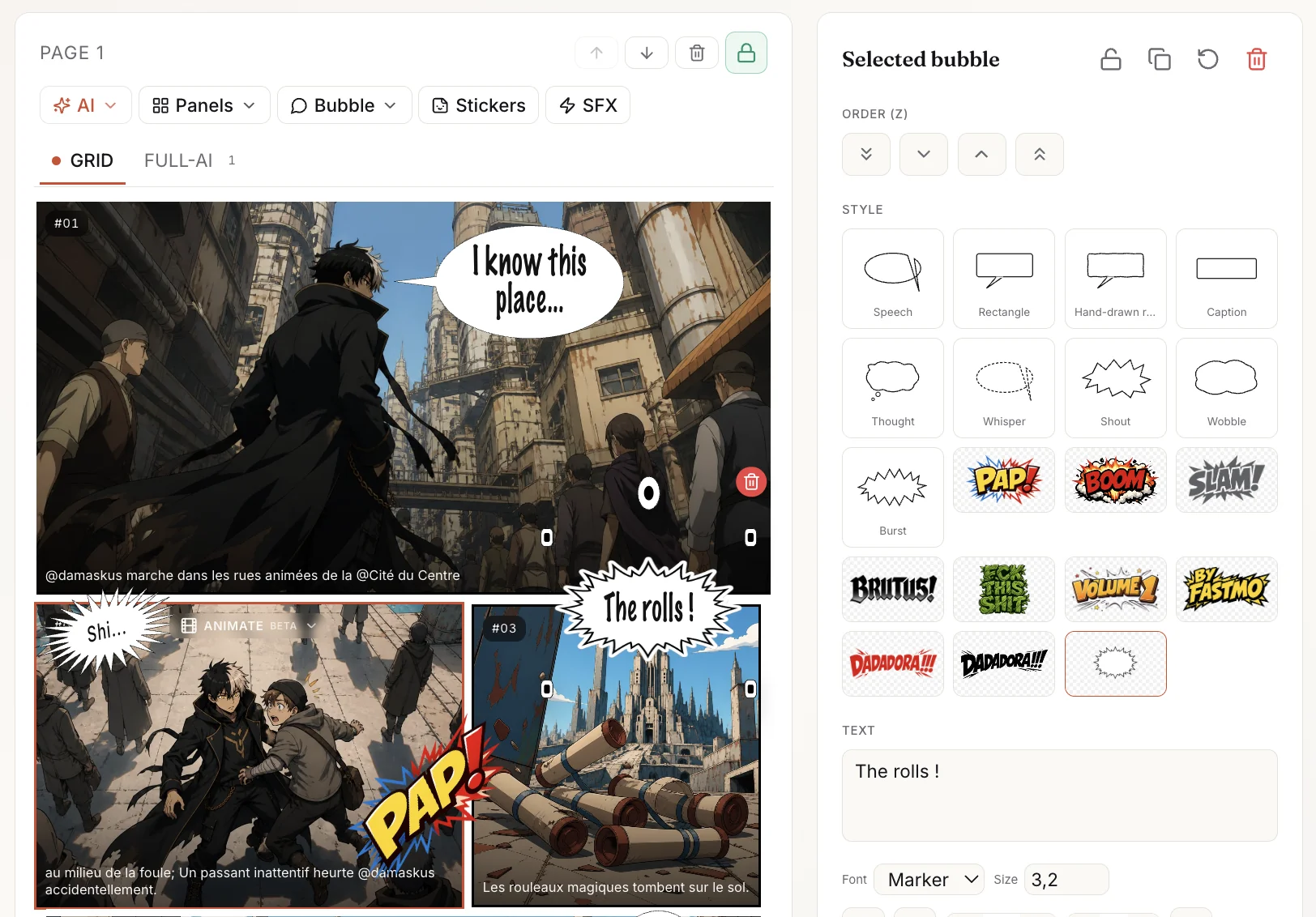
PageComposer · framings & layouts
2 · Compose your pages
PageComposer gives you 12 ready-to-use shot types (wide, low angle, close-up…), pre-configured manga layouts, and AI that suggests the panel breakdown from your synopsis. Type, arrange, generate.
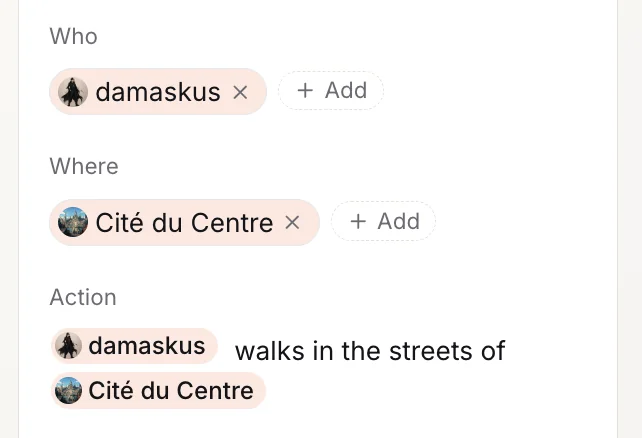
@-mentions of characters
3 · Stay consistent
Drop an @-mention on a character and the AI pulls their face and design from your WorldComposer. The same Eron appears panel after panel with the same eyes, the same scar, the same outfit. Same for locations — your city stays *your* city.
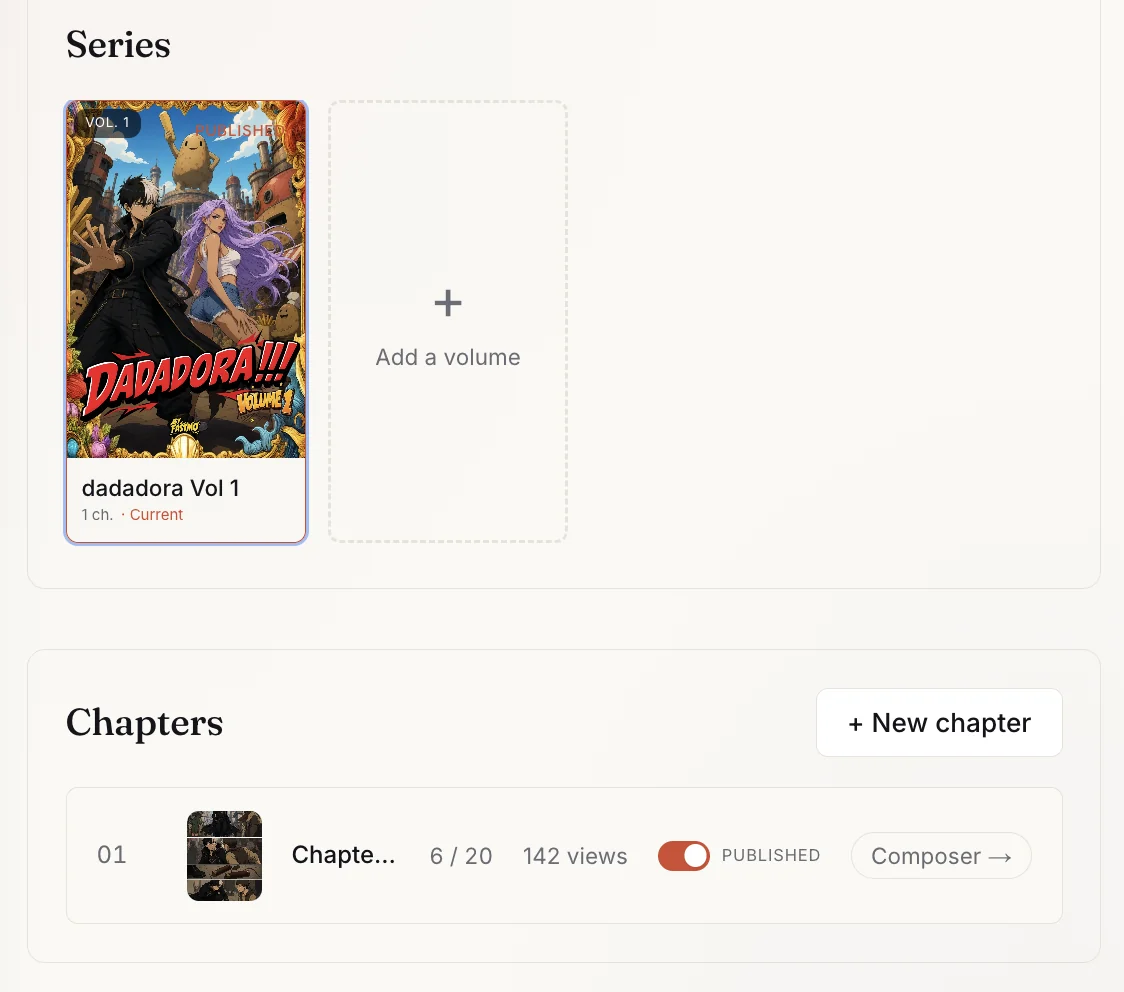
One-click publishing
4 · Publish and get read
No editorial committee, no moderation queue, no bullshit. You click publish, you're live, and the discovery engine plugs you straight into readers. First follow, first tip, first payout — no middleman.
Two editors, one choice
Whatoon gives you the editor that fits the format
You pick what you create when you create your work — webnovel, or visual story (manga / webtoon / comic). Whatoon then shows you the matching PageComposer. Both variants below.
PageComposer · webnovel variant
For novels, light novels, long-form fiction
A complete text editor: formatting, outline, AI, word targets. All the formatting you want, no hidden markdown.
Fluid editing
Type, select, reformat, move things around. Standard keyboard shortcuts. What you see is exactly what gets published.
Refine with AI
Select a passage, ask the AI to improve it, condense it, or rewrite it. You accept or reject — the text stays yours.
PageComposer · visual variant
For manga, webtoons, comics
Edit your bubbles with the mouse, animate a panel with AI, or rearrange the whole layout — without leaving the editor.
Edit a bubble
Double-click any bubble to rewrite the text, change the tail, move the shape. No export/reimport.
Animate a panel (AI)
A static panel becomes a short animated sequence in one click. Perfect for webtoon openings or chapter intros.
Rearrange the layout
Drag, resize, merge. Layout stays pixel-consistent — you don't need to know how to lay out a page.
Already have your pages?
Upload & reorder — any format
Pages drawn elsewhere, scanned spreads, chapters written in a doc — upload, drag to reorder, publish. Works for manga, webtoon or webnovel.
Drag & drop pages
Drop a batch of files and Whatoon orders them alphabetically by default. Drag to adjust, delete a page that doesn't fit, then publish.
Your rights
Your rights, in plain terms
Whatoon is not a publisher that takes your rights. It's a platform that hosts, distributes and surfaces your work in exchange for a defined economic share. You keep ownership, and you can publish elsewhere.
- You own your work, your characters and your universe.
- Non-exclusive: you can publish elsewhere (Webtoon, Mangadex, your own site).
- In exchange for hosting, distribution and discovery, Whatoon receives a defined share of the revenue your work generates here.
- A takedown remains possible under written rules — protecting readers who already paid and revenue already generated.
Keys
Keys: the creative currency of Whatoon
Keys are the in-platform currency. You use them to create with AI, unlock premium chapters or tip a creator. No mandatory subscription: you buy keys only when you want to generate.
- 1 key per unlocked premium chapter
- 2 to 7 keys per generated AI image
- 100% of the net tip value goes to the author
Resources
Guides written for Whatoon creators
Short, practical tutorials on the platform's specific tools. Not generic writing advice — concrete things that work here.
Your first published chapter
The full workflow from idea to publication — work, express worldbook, script, compose, lock, publish.
Read the guide →
Worldbuilder in 30 min
Build a usable bible before your first chapter: characters, locations, glossary, the @ mentions that change everything.
Read the guide →
Whatoon Studio AI — when and how
The end-to-end AI workflow: key costs, prompts that work vs ones that flop, and best practices for staying credited as the author.
Read the guide →
Monetization strategies
Tokens, ads, Whatoon+, free first chapter — the levers that actually move revenue.
Read the guide →
Cashout — how it works
From the threshold to SEPA delays. Everything that happens between the request and your IBAN credit.
Read the guide →
Webnovel PageComposer — full tour
The 9 tools of the text editor: toolbar, outline, statistics, AI, post-its. A reference page so you don't miss anything.
Take the tour